
01 · At your desk
Snap in. Settle into your flow.
Your iPhone turns into a control deck for your Mac. Brightness, volume, Focus, and your favorite actions. All a tap away.
Your everyday tools, connected devices, and AI agents. Built in Swift. Made exclusively for your Mac.

100% native macOS
Built in Swift. Made exclusively for macOS.
No Electron. No cross-platform wrapper.
Just a proper Mac app, through and through.
Real macOS frameworks, from the search window to your AI conversations.
Keyboard shortcuts, native controls, system actions, and the Apple apps you already use.
Local search, files, and clipboard history. Connect external services only when you choose.
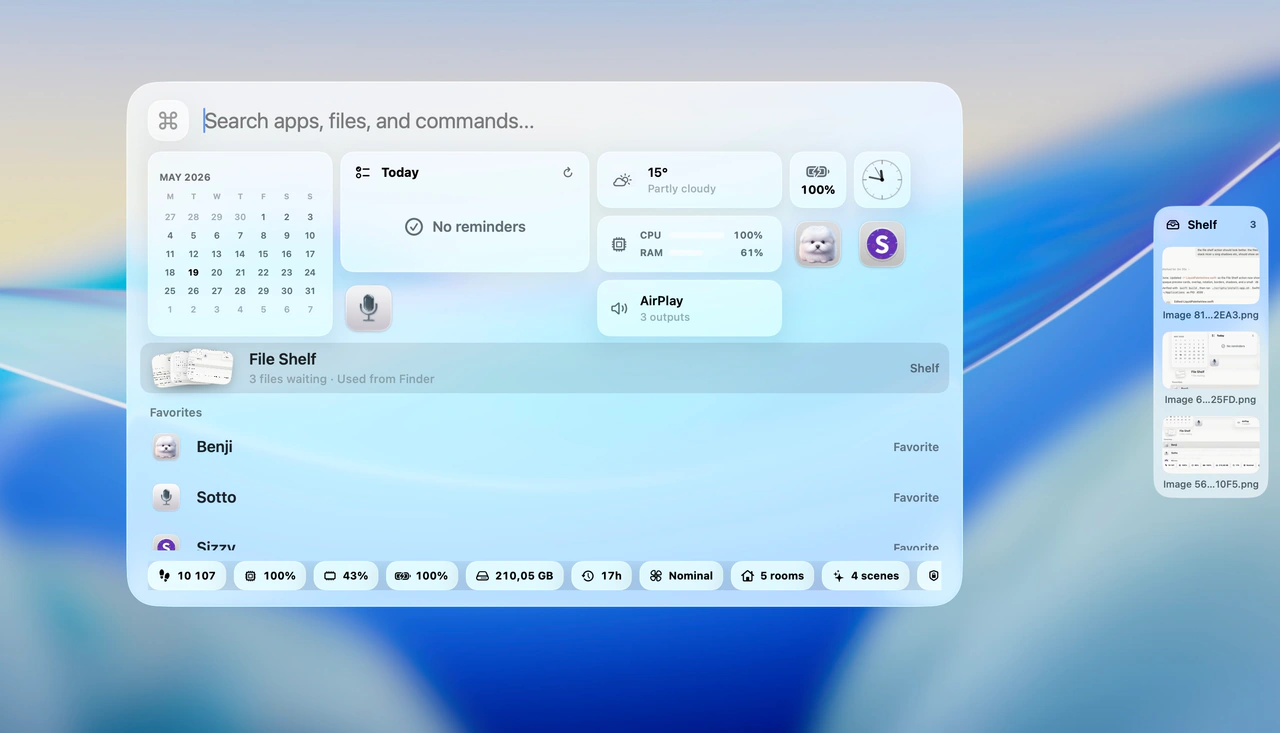
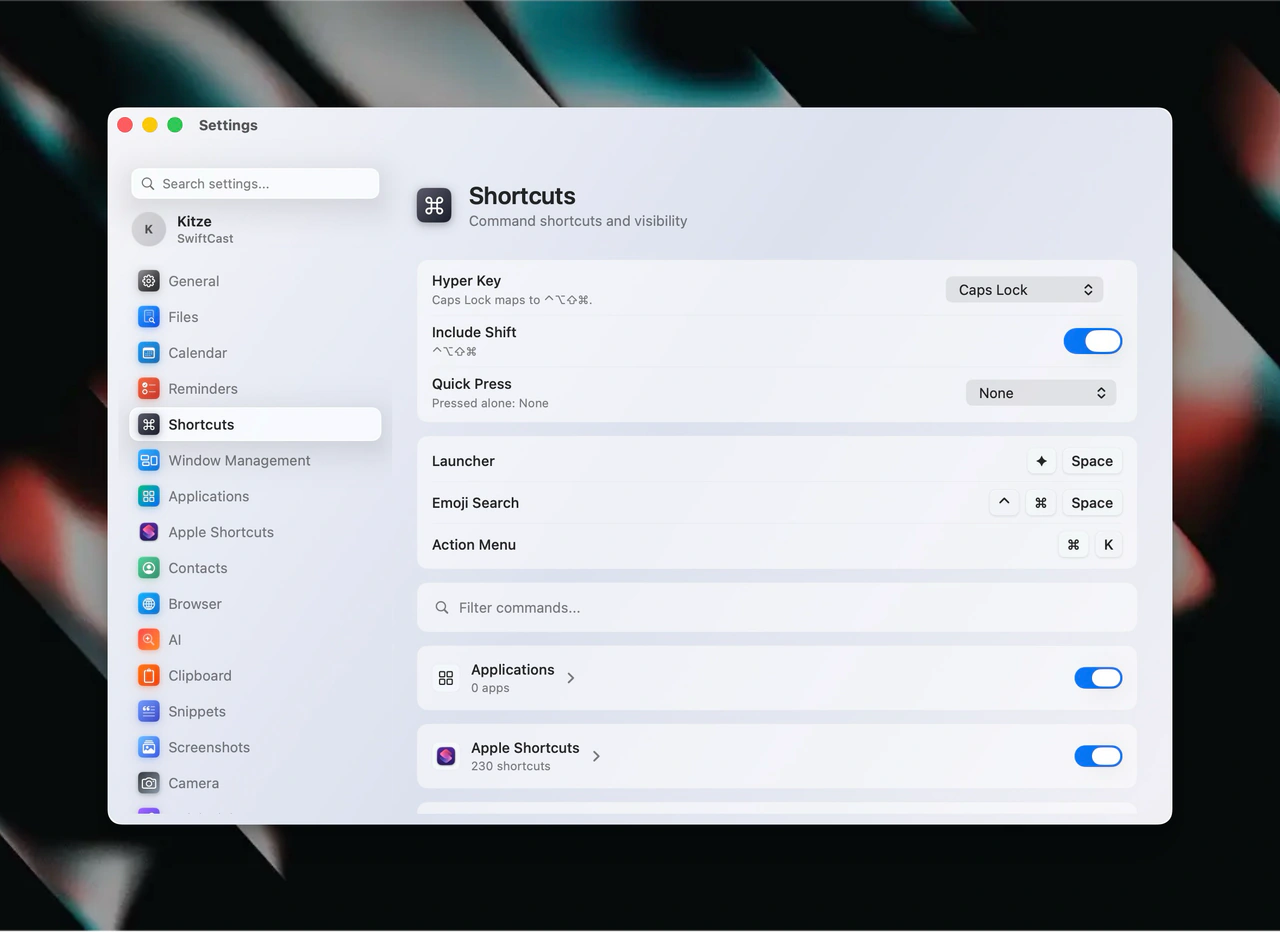
Open Supermac with ⌘ Space or a Hyper key, then type. Apps, files, math, windows, and system actions answer from the same field.
Supermac is a native Swift app with no account to make. Search, clipboard, files, and notes stay on your Mac. Services like GitHub or AI connect only if you add them.
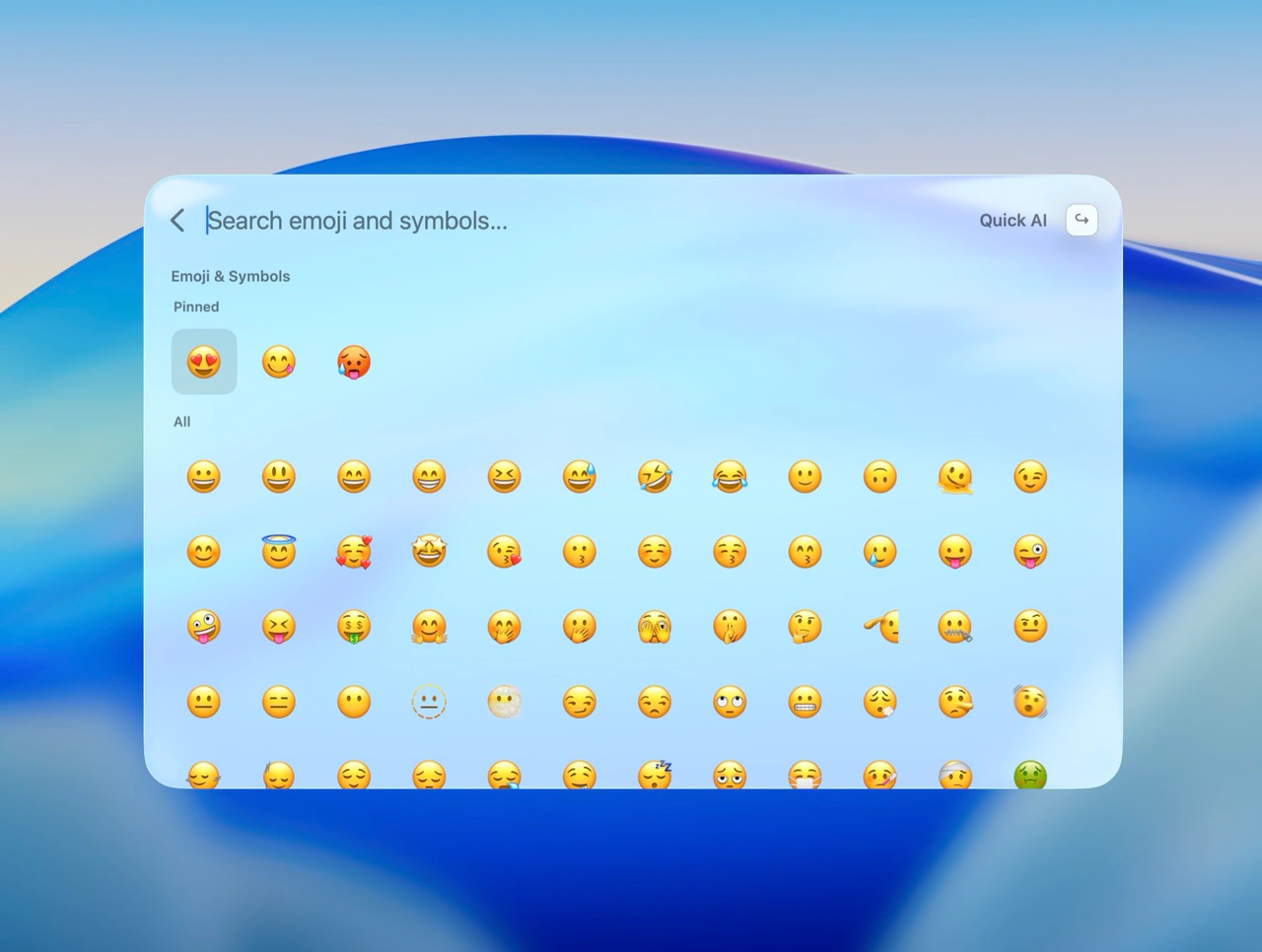
Clipboard history, translator, calculator, window management, widgets, extensions, and companions, each built to feel like part of macOS.
Already feels like home
Your notes, reminders, events, and Shortcuts, right where you need them. Find what matters and take care of it without opening five different apps.
 Finder
 Safari
 Mail
Mail Messages
 FaceTime
 Photos
 Music
Music App Store
 Notes
Notes Reminders
 Calendar
 Shortcuts
 Contacts
 Calculator
 Clock
Clock Terminal
 Preview
 Settings
The apps you know. One place to find and open them.
ExampleBest matches
Trip planningNotes · Edited yesterdayTrip: book the trainReminders · Today, 5:00 PMTrip kickoff callCalendar · Tomorrow, 10:00 AMTrip checklistShortcuts · RunUses the same permissions you grant any Mac app. Read on your Mac, kept on your Mac.
Make a little room for magic.
Bringing your everyday superpowers into one native app.












 Supermac.
Everything you copied, ready when you need it.
Put every window exactly where it belongs.
A two-pane translator, one shortcut away.
Turn your voice into text wherever you work.
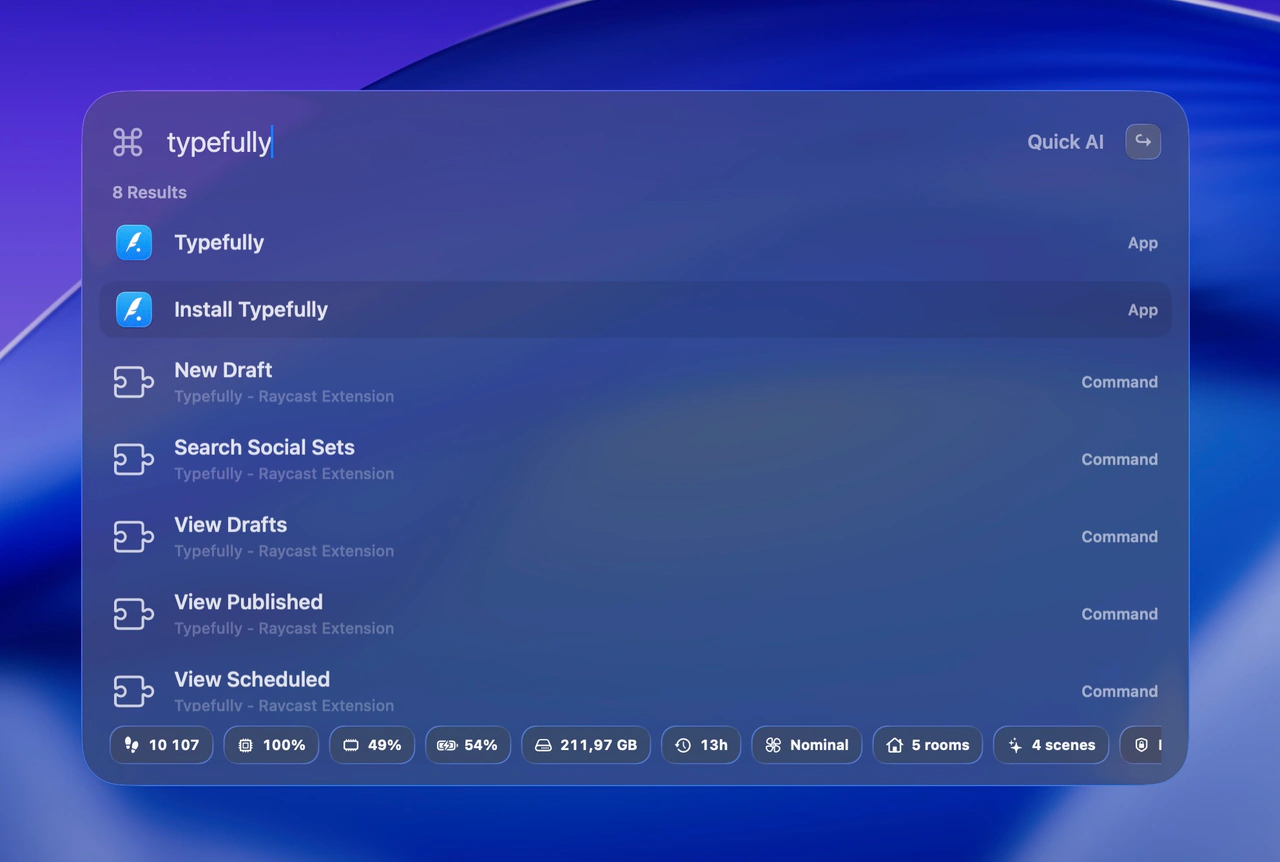
Find it, open it, and get on with your day.
Your services, with a native Mac feel.
Your devices. One happy universe.
Your MacBook on the sofa. Your Mac Studio at the desk. Your phone, wherever it ended up. Make your devices part of the same workflow.
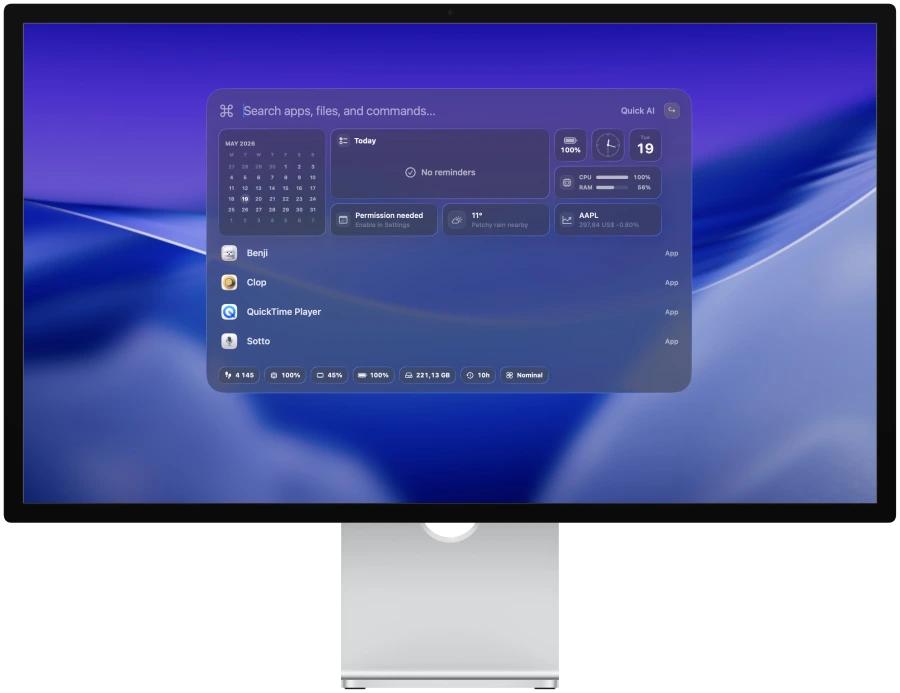
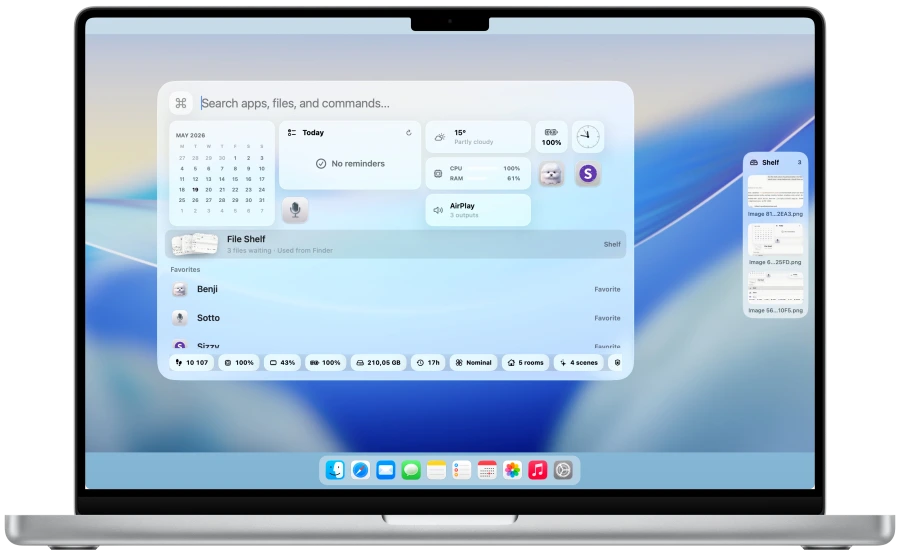
MacBook ProYour everyday Mac
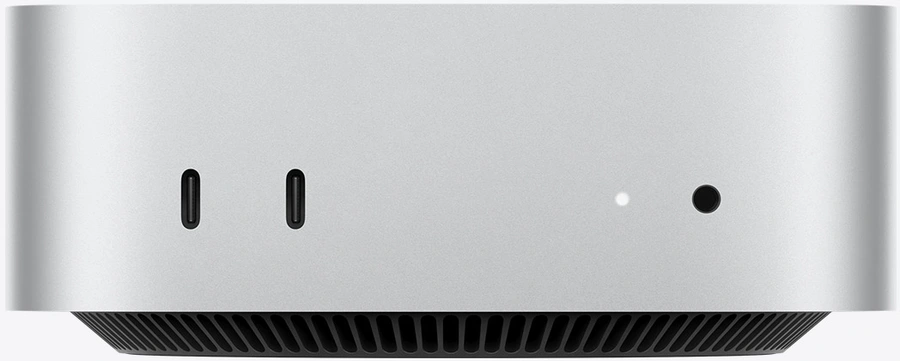
Mac miniA smaller setup. Same Supermac.
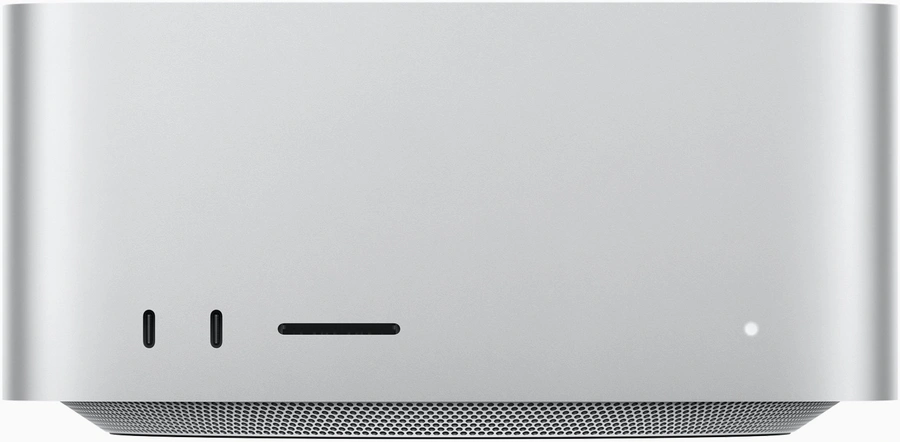
Mac StudioYour desktop powerhouse
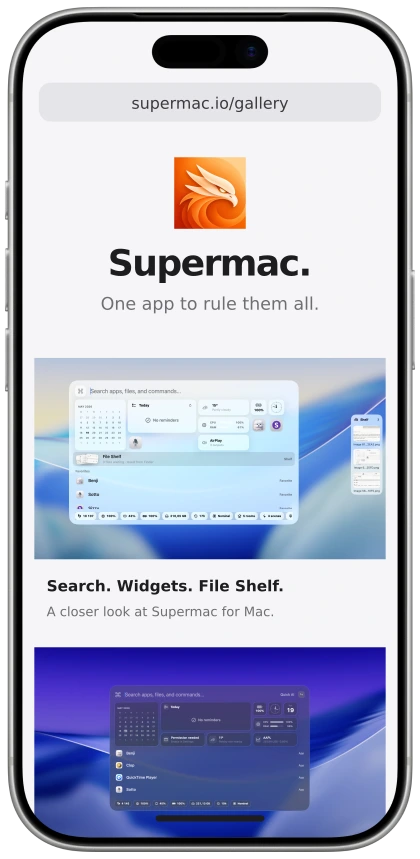
iPhoneSupermac’s gallery in Safari
Pair your Macs with Supermac Links. Find an open window on another Mac and bring its screen and controls to the one in front of you.
Move files to your paired Android phone, check its status, open an app, or ring it when it has disappeared into the sofa again.
Use Supermac across your Macs, connect your Android companion, and bring supported browser actions into the same workflow.
Your Mac in your pocket.
01 · At your desk
Your iPhone turns into a control deck for your Mac. Brightness, volume, Focus, and your favorite actions. All a tap away.
02 · A new kind of trackpad
Slide your phone onto the desk. Point, scroll, click, and type on your Mac. One less thing to carry.
03 · A little further from your desk
The Mac stays at your desk. Its screen comes with you. Check a window or take over from your favorite spot on the sofa.
An Apple person. An Android phone.
Your favorite computer. Your favorite phone.
Finally, on the same side.
Pair your Android with your Mac. Open phone apps, check its battery, or ring it from the sofa.
Your phone gets the notification. Your Mac keeps you in the loop. No reaching for another screen.
Send files both ways, use quick settings controls, and take your AI chats with you.
A conversation with superpowers
Chat is only the beginning. Give your agents access to apps, windows, files, and the computers you pair. Let a good idea turn into something done.
Supermac AIExampleLet’s do it.There it is. Your other Mac, right where you need it.
50 features shipped · 3 planned
Everyday essentials, deep Mac controls, and your connected services. Explore what you can do from one app.
Use ↑ ↓ to move between families
Apps, files, links, Shortcuts, and contacts from one native search field, with actions on the result you pick.
Root searchApps, files, contacts, snippets, commands, bookmarks, emoji, and system actions from one native Mac app.File searchFind files from Supermac with previews, Finder actions, and quieter search thresholds.Browser bookmarksSearch bookmarks from Chrome, Arc, Brave, Edge, Chromium, Safari, and Firefox in root search.Apple ShortcutsSearch and run Apple Shortcuts from the same root command surface as apps and files.ContactsSearch local contacts and jump into contact actions from Supermac.Privacy
Supermac's menu bar calendar now shows a real upcoming agenda, not just a plain day list.
Read the changelogGood software. Yours to keep.
A proper Mac app deserves a proper license. Pay once for Supermac. Keep your version for as long as you like.
SupermacPerpetual license · Native macOSComing soon$99
One payment. Your app to keep.
Want another year of updates? Renew for $99.
Only when the new changes are worth it to you.
Your $99 license includes Supermac and all app updates released during your first year.
Keep using your licensed versions. Or pay $99 for another year of new releases.
Choosing not to renew updates doesn’t take Supermac away. Your covered versions stay yours.
No. The $99 payment buys a perpetual software license with one year of updates. Another year of updates is optional.
Keep using the versions released during your covered update period. Renew only if you want access to newer releases.
A fully native Mac app. A $99 perpetual license. Leave your email to hear when Supermac is ready.